

The Laptop That Looks Fine Is Usually the One That Matters
Digital forensics on a working laptop is more common than most people assume — and it rarely starts with a damaged device and they picture a damaged device — a cracked phone, a crashed hard drive, a computer seized as evidence after something visibly went wrong.
In practice, the opposite is usually true. The laptop that matters most is often the one sitting on a desk, fully functional, logging in normally every morning, giving no outward sign that anything is wrong at all. That’s not a coincidence. A device that looks untouched is often exactly the device someone wanted to look untouched.
The Case That Made This Point, Twice, in the Same Week
On October 6, 2026, a former infrastructure engineer was sentenced to 32 months in federal prison for sabotaging his employer’s network and demanding a cryptocurrency ransom after his access was revoked. The technical reconstruction behind that sentencing is a near-perfect illustration of what a working laptop can reveal.
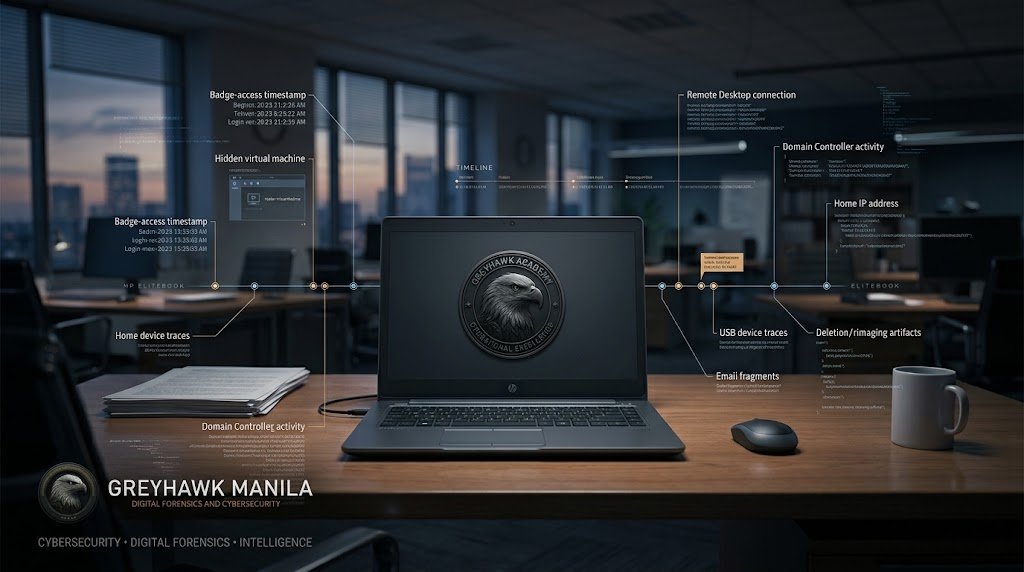
Investigators didn’t start with a damaged machine. They started with a hidden virtual machine buried inside the company’s otherwise normal-looking network, and traced it back to one laptop and one user account. From there, the reconstruction built itself layer by layer: badge records and security footage placing the engineer at company headquarters shortly before a login event, that login tied to remote desktop activity reaching a domain controller, and a separate remote connection traced to an IP address assigned to his home. A reused password connected accounts that were supposed to be separate. None of this required a broken device. It required a laptop that worked exactly as it was supposed to — and a reconstruction of every normal, unremarkable thing it logged along the way.
What a Working Laptop Actually Holds
A laptop that’s never been dropped, cracked, or flagged by antivirus software is still constantly writing a record of itself. Login and logout timestamps. Which USB devices were plugged in, and when — down to the device’s serial number. Which files were opened, copied, or printed, and in what order. Browser history that persists longer than most people realize. Cloud sync logs showing exactly when a folder started quietly uploading somewhere it hadn’t before.
None of this requires anything to be “wrong” with the machine. It just requires someone to know where to look, because the operating system itself is already keeping the notes.
The Pattern Behind Most Working-Laptop Investigations
The most common reason a perfectly functional laptop ends up under forensic examination isn’t malware. It’s people leaving.
Recent industry research puts the scale of this plainly: a large share of organizations report experiencing data loss tied to insiders, and more than a third report losing intellectual property specifically when an employee departs. The scenarios that keep showing up, across unrelated cases and unrelated industries, follow a small number of recognizable shapes:
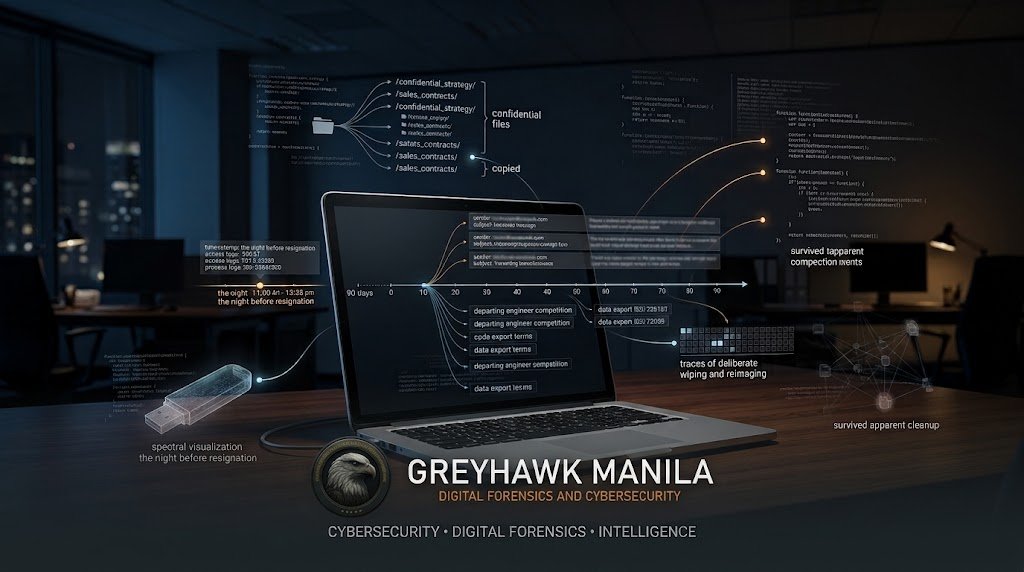
The USB drive, the night before notice. A departing employee’s laptop shows a flash drive connected the evening before they resign, followed by a cluster of file-copy activity touching pricing documents, client lists, or proprietary designs — artifacts that remain recoverable in the registry, event logs, and file shortcuts long after the files themselves are gone.
The client list that left through a sales laptop. A sales director accepts a role with a direct competitor. Ninety days of email and laptop activity, examined together, show a pattern — exports, forwards, searches — that a single day’s snapshot never would have revealed.
The code that traveled with the engineer. A software engineer departs, and strikingly similar functionality appears in a competitor’s product months later. Even after time has passed and surface-level traces have been cleaned up, cross-referencing browsing history, code-platform access logs, and timestamped submissions can still establish what was taken and when.
The laptop that came back too clean. In more than one case, a returned company laptop has shown signs of having been deliberately wiped before handover — which is, itself, forensically significant. A machine that’s been professionally reset doesn’t erase every trace; it just changes what investigators are looking for.
The reimaged machine that still talks. Even a laptop reissued to a new hire, wiped and reimaged by IT weeks after the original employee left, has in real cases still yielded enough residual and network-level evidence to reconstruct an exfiltration timeline months after the fact. A clean-looking machine today doesn’t mean the activity from three months ago is unrecoverable.
Why “Nothing Looks Wrong” Isn’t the Same as “Nothing Happened”
The instinct in most organizations is to investigate when something visibly breaks — a breach notification, a client complaint, a system outage. A working laptop rarely triggers that instinct on its own, which is exactly why it’s so often where the real activity hides.
The infrastructure engineer case above is a useful reminder of how far a reconstruction can reach when investigators don’t need the device to confess anything — they just need to correlate what it was already recording against badge logs, IP addresses, and account activity that, individually, each looked unremarkable. The laptop didn’t need to be broken to be the most important piece of evidence in the case. It needed to still exist, and it needed someone who knew what to look for.
What This Looks Like in Practice
A forensic examination of a working device typically starts the same way regardless of the suspected issue: a forensic image is taken first, before anything else is touched, so the original device and its exact state at that moment are preserved. From that image, investigators recover and correlate artifacts — file system timestamps, registry entries, connection logs, cloud sync records — building a timeline rather than searching for a single smoking-gun file. This is also why speed and proper handling matter from the outset: some of what a working laptop holds is overwritten through ordinary use, and the moment to capture it cleanly, before that happens, doesn’t come back around.
Sources referenced
CyberSecurityNews and GBHackers, reporting on the October 2026 sentencing of a former infrastructure engineer for network sabotage · FTI Consulting, IP Theft in the Cloud Era: Insider Risk and Forensic Readiness · Forensic Discovery, Case Studies and Lessons Learned from Departing Employee Investigations and Departing Employee Data Theft Investigation · Percipient, Employee Theft Investigation: A Digital Forensics Case Study · Salient Discovery, A Tricky Digital Investigation: Suspected IP Theft by Ex-Employee · Maryman & Associates, Intellectual Property and Trade Secrets Theft case study